Skip to content
Student iDigital

Student iDigital

A global broadcast platform for students.

Student iDigital was created to give students and schools the chance to share their media ideas with the world. Whether it's audio or video, you can broadcast your content on KbitPlay (audio) and KbitTV (video), from anywhere in the world.

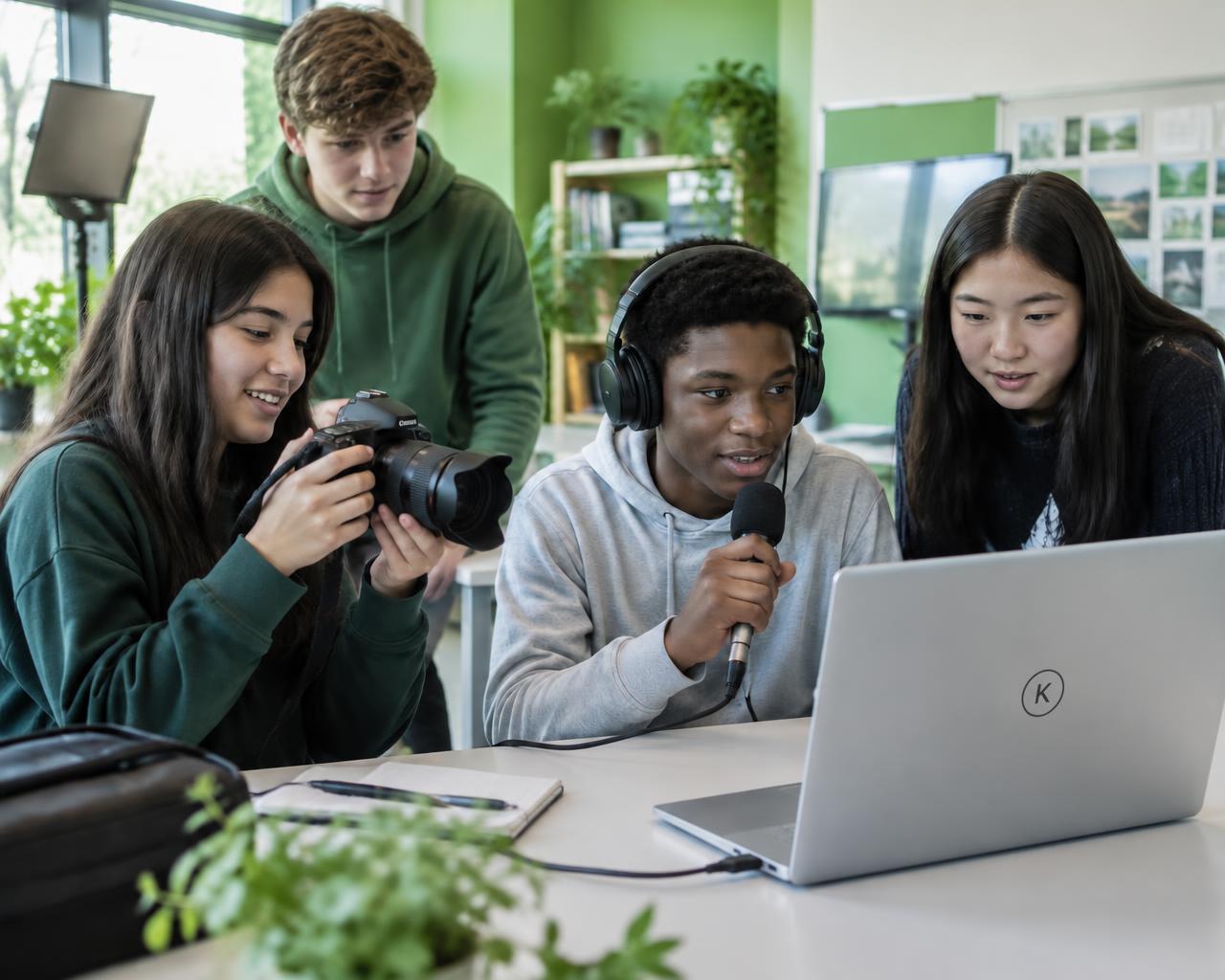
Students recording a show together with microphones and a laptop

With Student iDigital, you can

Share your media ideas with the world.

You don't need your own website or streaming setup — just use ours to reach a global audience.
  • 01Share your media projects (radio or TV-style)
  • 02Broadcast live or upload pre-recorded content
  • 03Explore other exciting services from the Kbit Network

How to join

Three steps to your first broadcast.

  1. Step 1: Apply

    Apply for a FREE segment on one of our Kbit Network services.

  2. Step 2: Get approved

    After approval, we'll broadcast your show on KbitPlay (audio) or KbitTV (video).

  3. Step 3: Broadcast

    Upload your pre-recorded segment or broadcast it live from your own location.

Broadcast options

Two ways to share your show.

A. Upload a recording

  • Send us your recorded show from our website.
  • Make sure the quality is clear and professional.
  • If editing is needed, we may apply extra charges.
B. Broadcast live

  • Use streaming software like OBS (for video) or an audio encoder (BUTT) (for radio).
  • We'll provide you with the login details or RTMP codes.

You need

  • A stable internet connection
  • A smartphone or computer
  • A webcam (for video)
  • A microphone and headphones

Before going live, we'll run a test broadcast to make sure everything works well from your location.

Student information

Good to know before you apply.

Broadcasting format

Broadcast live from your location using your own equipment, send us a recording to add to the show, or send us your existing stream URL (if you are already streaming) — all subject to approval.

Podcast

If you have a podcast, send us your episode as your segment content, and we will broadcast it on the Student iDigital show. Just upload it after approval.

Audio or video

Select only one platform per application. You must submit a separate application for each platform you want your show on.

Segment length

Your segment must not be less than 30 minutes. Only segments we have approved will be added to the show.

Show segments

Segments are allocated on a first come, first served basis. Recorded segments take 3 days to be added to the show.

Approval

Apply at least 14 days before your broadcast start date. On approval, we'll email you to complete the process, including a consent agreement on the Simifran website.

About Kbit Network

Student iDigital is powered by the Kbit Network, which offers free audio and video broadcasting online. In some cases, there may be a small cost.

Kbit Network accepts content from:

  • Students and schools
  • DJs and hobbyists
  • Businesses and media creators

Student broadcaster self advertising

Student broadcasters should not include any advertising during their segment unless authorised by the network. By default, Kbit Network schedules all advertising automatically. Students can add ads to their segments only if they have purchased credits to do so.

Apply for your FREE broadcast segment

Complete a separate application for each platform (audio or video), at least 14 days before your start date.

Questions marked (optional) can be left blank; everything else is required.

Tell us the name and address of the school you attend.

You cannot start on the same day you apply.

Which are you?
Which platform?
How will you broadcast?

Break down the type and audience targeted.

Be very specific about what you do as a DJ/broadcaster or station.

KbitPlay

Ready to play